FAQ
Questions worth asking first
Is Kestrel made by Reolink, Ubiquiti, or any of the others?
No. Kestrel is an independent project and is not affiliated with, endorsed by, or
supported by Reolink, Ubiquiti, QNAP, ONVIF, or the ZoneMinder or Frigate projects. It
talks to each system in that system's own language, and their names appear here only to say
what Kestrel is compatible with. For help with Kestrel, contact us — not them.
Which systems does it work with?
Six: Reolink NVRs and cameras, Frigate,
ZoneMinder 1.36 or newer, QNAP QVR Pro and Elite,
UniFi Protect with a local account, and anything that speaks
ONVIF Profile S — on Linux now, and on Roku with the channel's next
update.
Reolink is verified against real hardware — an RLN36 NVR, which is what development happens
on. UniFi Protect has been run against a real controller from the Roku channel, far enough
to log in, list the cameras and draw the wall, with everything past that still unproven.
Frigate, ZoneMinder and QNAP QVR are implemented from published API documentation, ONVIF
from the standard, and none has been run against an actual install. All of this is described in full
above.
Within a system, capability reporting varies by model and firmware: if a control you expect
is missing, the device did not report supporting it. Battery-powered cameras that sleep
show as offline until they wake.
Can I mix systems on one wall?
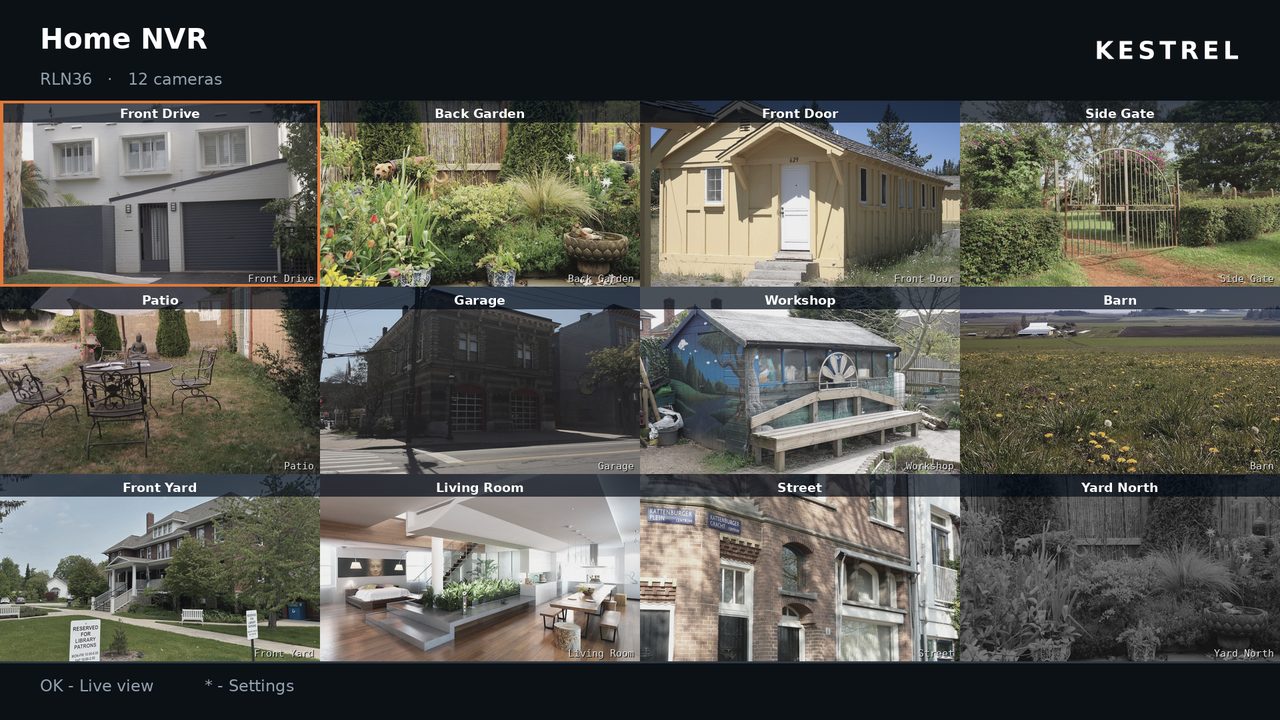
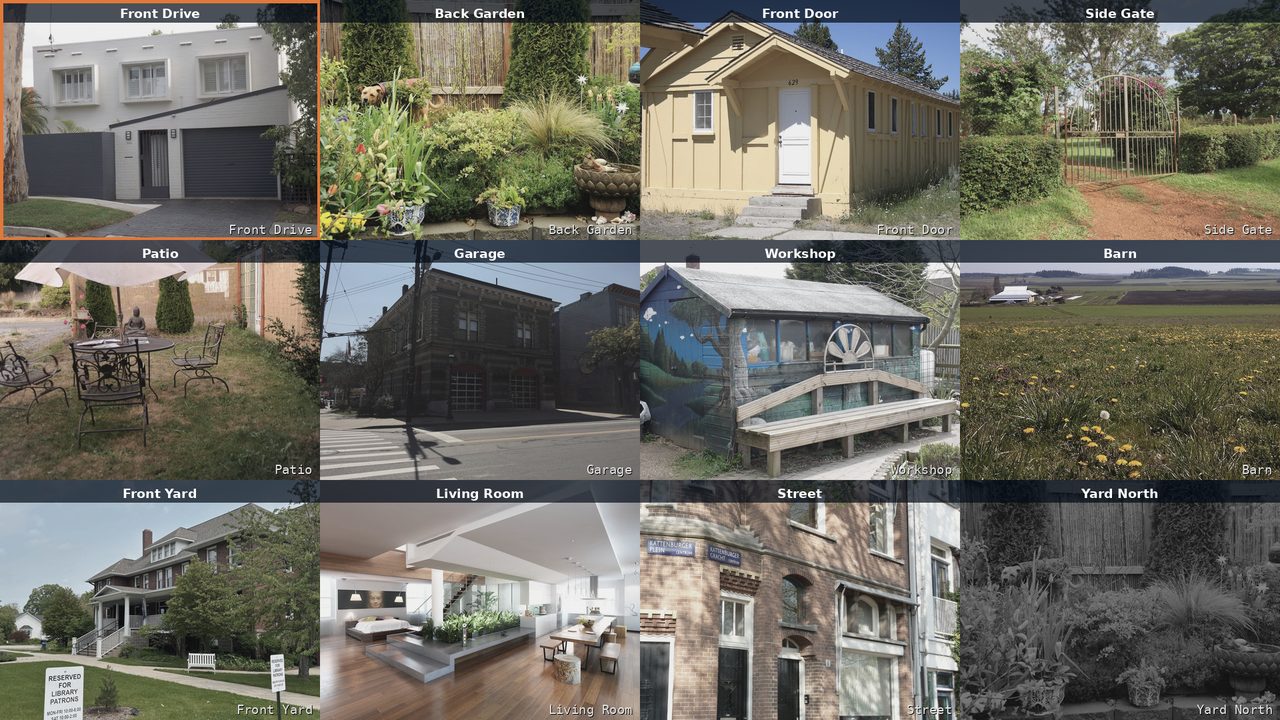
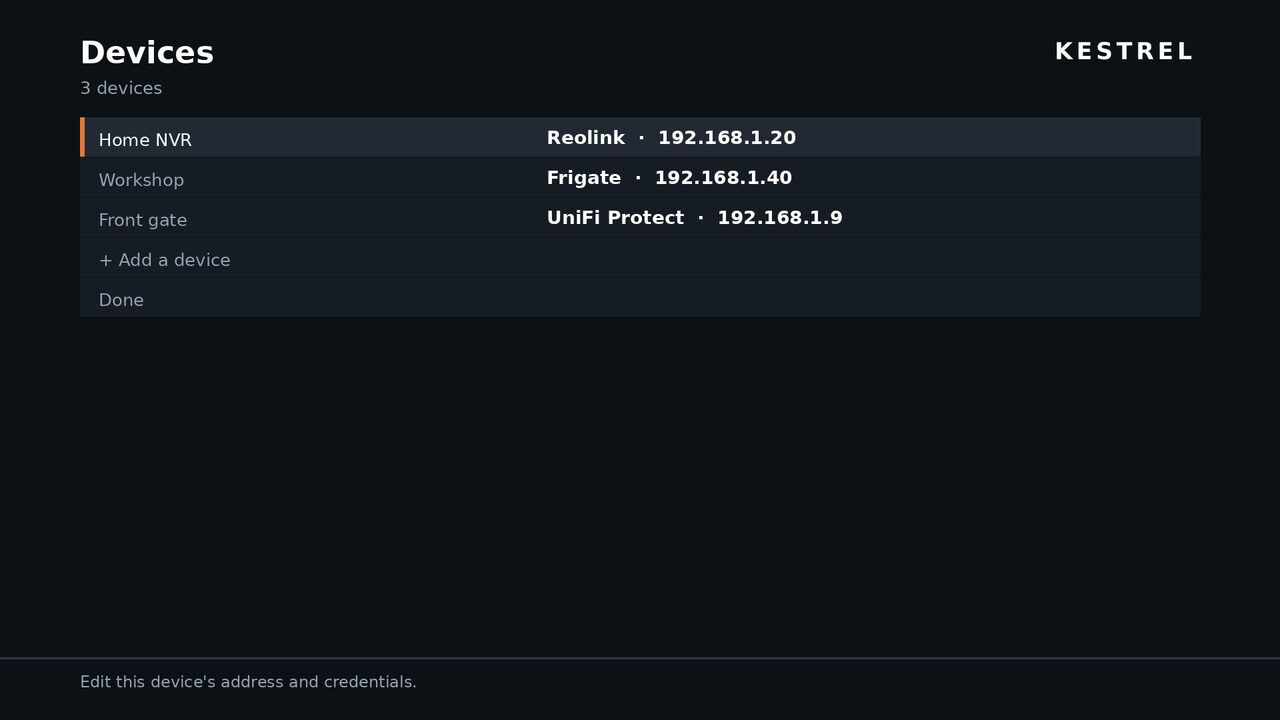
Yes — that is the point of it. Add a Reolink NVR, a Frigate instance and a UniFi Protect
console and their cameras appear together in one grid, sorted by device, each tile
captioned with the device it belongs to. Each device holds its own session and its own
credentials, and refreshes independently of the others.
There is no configured limit on how many devices you add; the practical limit is how many
camera tiles the screen and the hardware can usefully carry.
What happens if one of my devices is unreachable?
The wall comes up with whatever answered, and names what did not, rather than failing as a
whole.
Being straight about it: on the Roku channel, partial failure is one of the paths that has
not been exercised yet. Multi-device was tested by pointing two device entries at the same
NVR — which proves the merged wall, the captions, the per-device workers and the keying,
but cannot produce a genuinely unreachable second device. It is written down as unproven
rather than claimed.
What is the weather doing in a camera app?
Taking up space nothing else was using. A camera wall is tiled into a square-ish grid, and
unless your camera count divides into it neatly the last row ends short — five cameras
leave one cell empty, seven leave two. Those cells now carry the forecast, and a strip
across the top carries the conditions right now — and, if you want it, the radar takes a
cell too.
There are two sources. By default Kestrel asks the National Weather Service for the ZIP
code you gave it, which is also what the radar needs; that is US-only, and it is the one
part of Kestrel that talks to something outside your network. Alternatively it reads a
WeeWX server of your own — the JSON
document WeeWX already publishes for Home Assistant — which
works anywhere and keeps the request on your LAN. There is no account and no API key
either way. Every address it contacts is listed in the
privacy policy.
It is off until you switch it on, and it is on all three: the Roku channel, its
screensaver, and the Linux client — where it appears as a strip above the camera grid and
a Weather tab of its own.
The full description is on the Roku page, including the
honest part: that layout has been checked arithmetically rather than looked at on a
screen. The desktop's is here, and has been.
Do I need to open ports on my router?
No — and please do not. Kestrel is designed to run on the same network as your cameras.
Exposing an NVR's web interface to the internet is a well-established way to lose control
of it. If you need access from outside, use a VPN back into your own network — or, for a
Reolink on Linux, add it by its UID, which reaches it through Reolink's service with no
port opened, at the cost of putting Reolink's servers in the path.
Why is the Roku picture not real video?
Because Roku's video player supports HLS, DASH, Smooth Streaming and progressive MP4,
while these systems publish RTSP, RTMP, HTTP-FLV or MJPEG. There is no overlap, and no way
to bridge it on the device itself. Kestrel polls each camera's snapshot endpoint instead,
which needs no extra infrastructure and works the moment you connect.
Something has to convert the stream first. Kestrel HLS is the
first-party way — a free Home Assistant add-on that the channel pairs with and registers
its own cameras against — and if you already run go2rtc, MediaMTX or Frigate you can give
the channel an HLS URL template instead. Either way you get real video with sound, a few
seconds behind live.
Does Kestrel record continuously?
No. Your NVR or camera does the recording; Kestrel plays it back and can record the live
stream on demand to a file. It is a viewer, not a recording system, and it does not need
to be running for your cameras to record.
What does it cost?
The Linux desktop client is free and open source — licensed under the MIT and Apache 2.0
licences at your option, bundling ffmpeg under the LGPL as shared libraries.
Kestrel for Roku is $14.99, bought once on the Roku Channel Store.
Kestrel Screensaver is free, and needs the app to be useful.
There is no subscription, no recurring charge and no in-app purchase. Buying it once
covers every Roku on your Roku account, and there is still no Kestrel account to create.
Payment, receipts and refunds are handled by Roku, under
their terms and ours.
Is there a Windows or macOS build?
Not today. The desktop client is built and tested on Linux, and the Rust rewrite it now
ships as makes other platforms plausible rather than promised. Most of these systems ship
their own Windows and macOS clients, or have a web interface that works there.
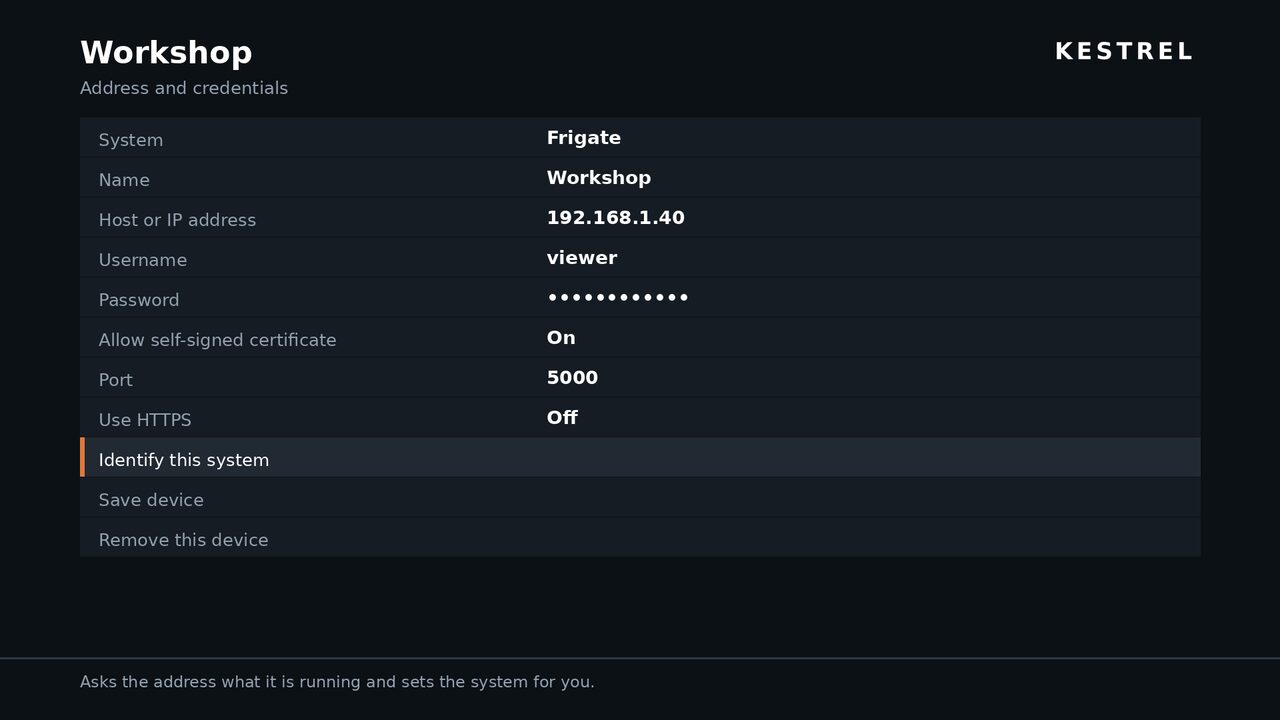
Where do my credentials go?
On Linux, into your system keyring via Secret Service, with the config file as a
documented fallback when no keyring is available — the About dialog tells you which is in
use. On Roku, into the channel's private registry, in clear text, because the platform
offers nothing better. Anyone with your Roku's developer password could read them.
The privacy policy covers this in full.